Quick Guide to Install Fast e-Invoice app
Install Fast e-Invoice on Android deviceon iOS device, Please click here
Method 1. Install on the Play Store
- Open the Google Play Store on your device. Type "Fast e-Invoice" in the search field. A list of apps will appear. Find the app developed by "Fast Software Company" and tap to select it.
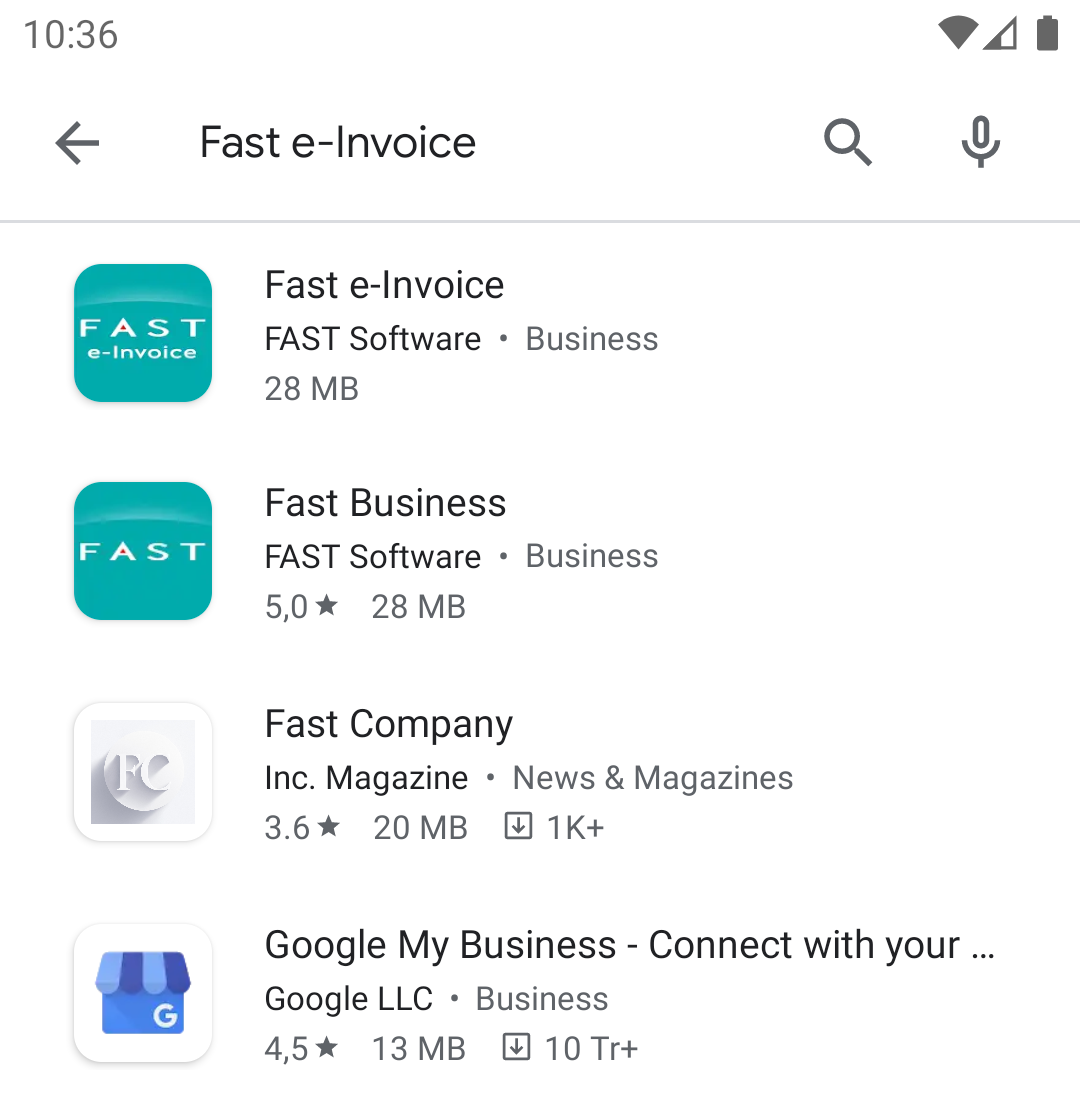
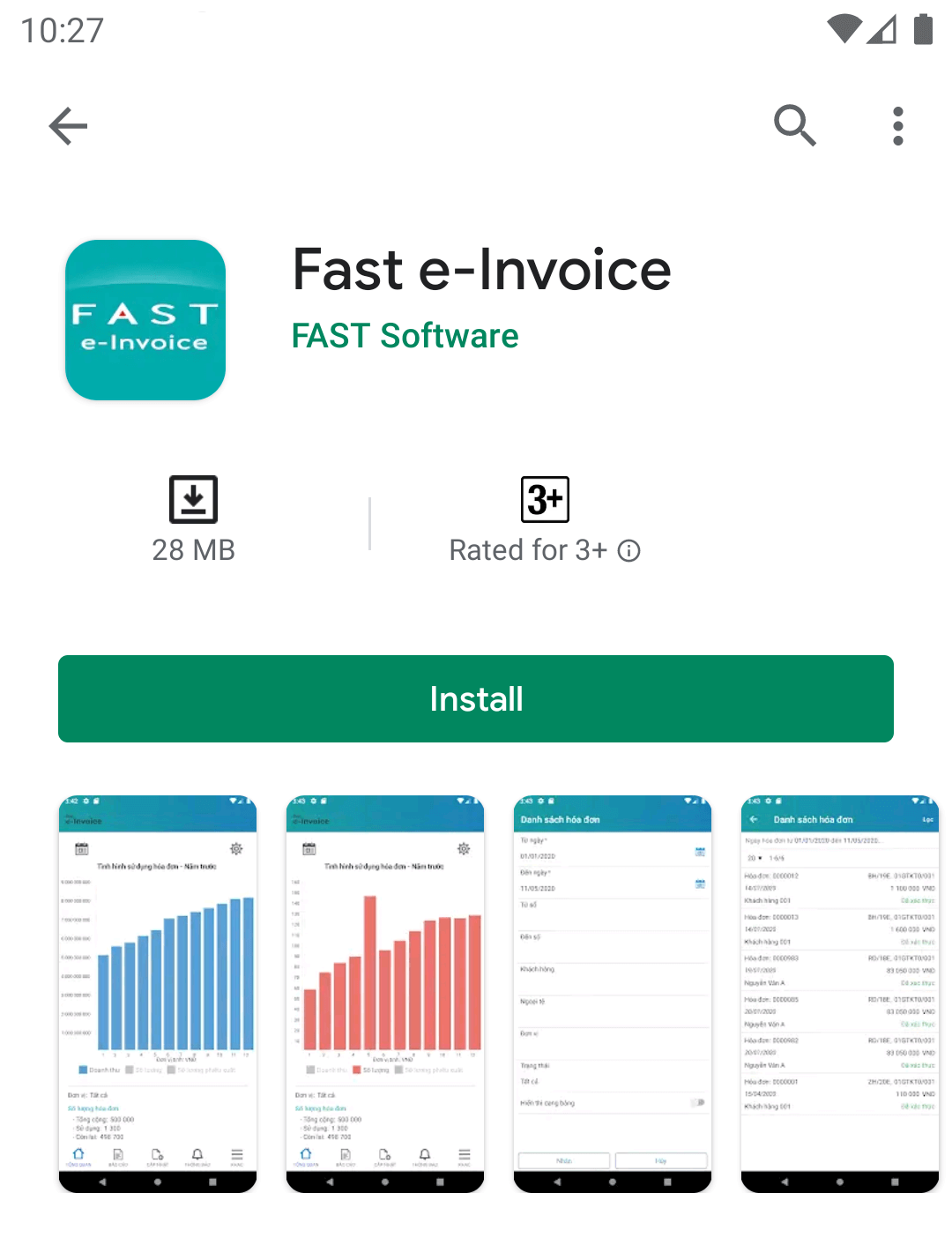
- Tap the "Install" button. You may be asked to allow permission for Fast e-Invoice to access various tools on your device. If you’re happy with these, tap "Accept". Once it has installed, tap the "Open" button on the Play Store page. Alternatively you can find it on one of your home screens or in your list of apps - launch it by tapping the app icon.
Method 2. QR Code Scanning
- Open any application with QR Code scanning or use the camera in some phone has an in-built QR code scanner to scan the image below. After the scanning process finish, a link will be returned, tap on it to open the Play Store and install the app as the first method.

Cách 3. Method 3. Install with the link
- Access the link here.
Install Fast e-Invoice on IOS device
Method 1. Install on the Apple Store
- Open the Apple Store on your device. Type "Fast e-Invoice" in the search field. A list of apps will appear. Find the app developed by "Fast Software Company" and tap to select it.
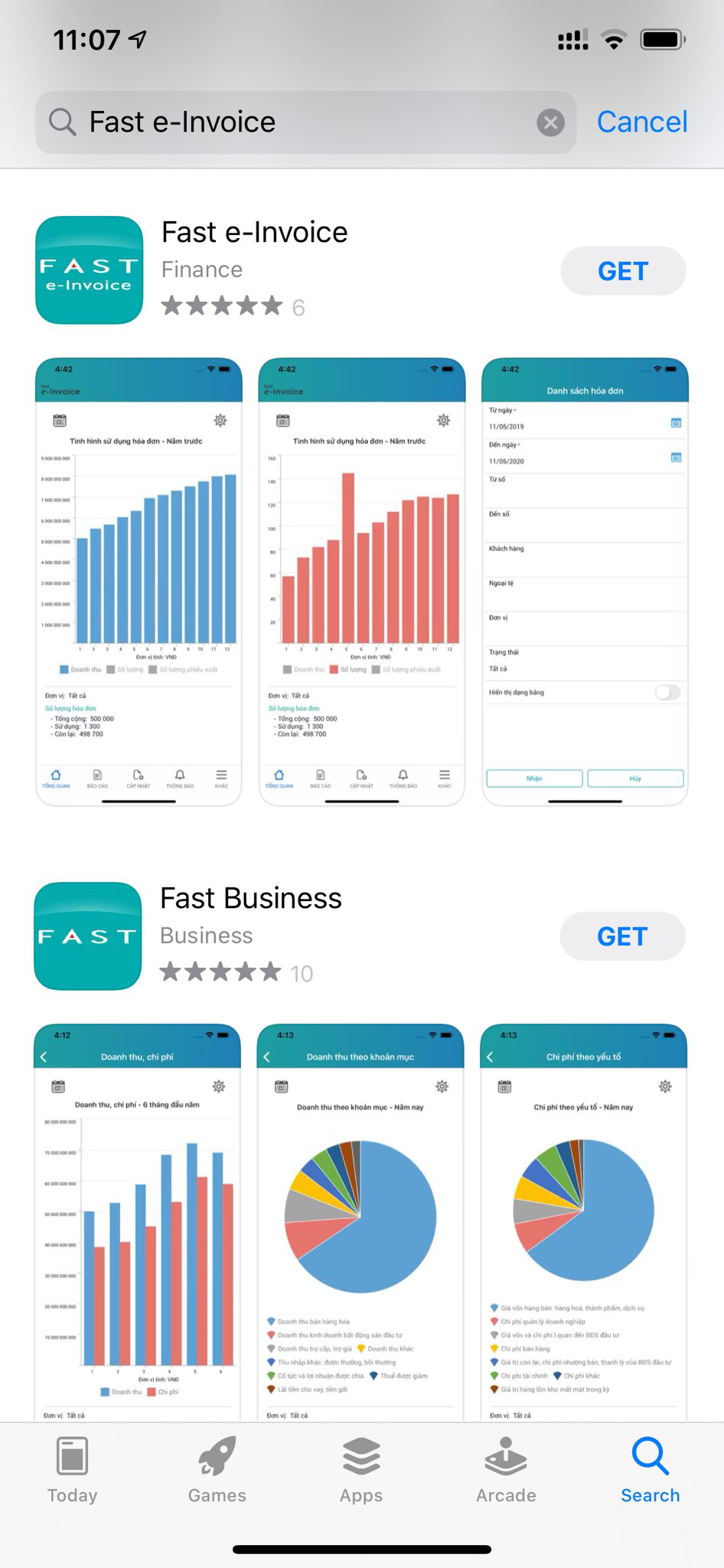
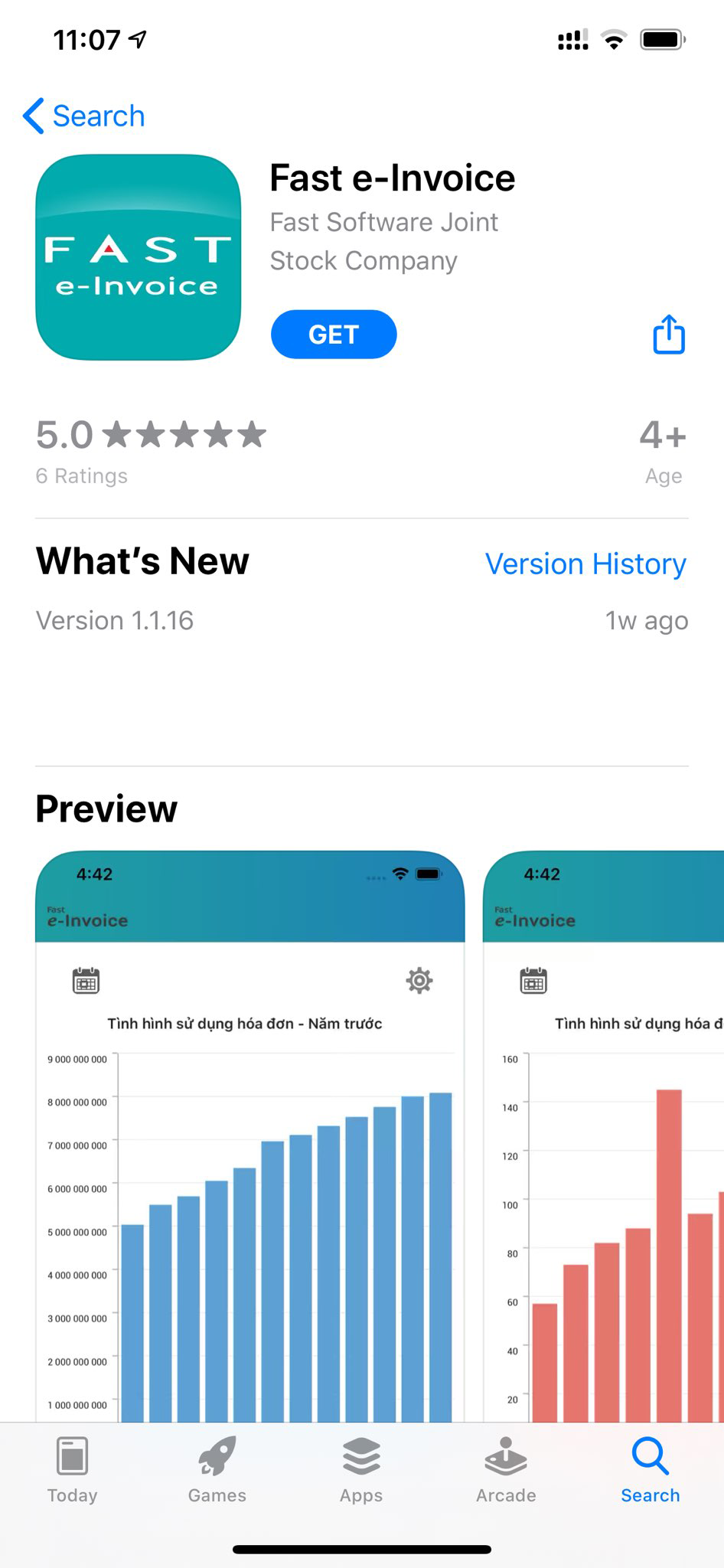
- Tap the "GET" button to install. You may be asked to allow permission for Fast e-Invoice to access various tools on your device.
Method 2. QR Code Scanning
- Open any application with QR Code scanning or use the camera in some phone has an in-built QR code scanner to scan the image below. After the scanning process finish, a link will be returned, tap on it to open the Apple Store and install the app as the first method.

Method 3. Install with the link
- Access the link here.